
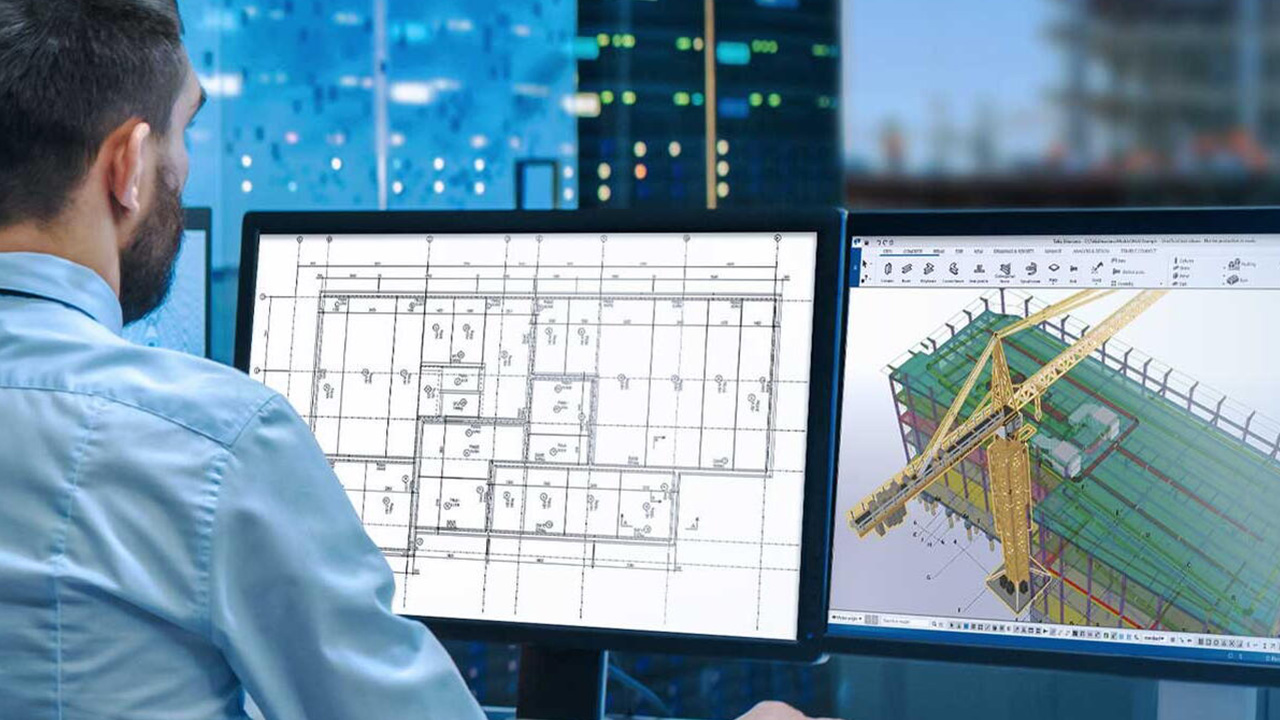
What Is Automated Design Software?
Automated design software refers to digital tools that integrate computer-aided design (CAD), computer-aided manufacturing (CAM), and building information modeling (BIM). These systems allow engineers and architects to generate accurate models, detect conflicts, and optimize resources before construction begins.
Popular platforms include:
- Autodesk Revit for BIM coordination
- SolidWorks & AutoCAD for mechanical design
- CAM software for fabrication and manufacturing precision
How Automated Design Software Saves Costs
1. Reducing Errors and Rework
Design errors are costly, often leading to delays, material waste, and labor inefficiencies. Automated tools catch clashes early—for example, identifying HVAC ducts conflicting with structural beams—before they hit the job site.
2. Faster Project Timelines
Automated scheduling and resource allocation reduce bottlenecks. This translates into fewer delays and lower labor costs, improving ROI.
3. Optimizing Material Usage
Digital simulations can predict material needs accurately, cutting down on over-ordering and waste. For large-scale projects, this can save thousands of dollars.
4. Improving Compliance and Approvals
Canadian building codes and permits often require precise documentation. Automated software ensures drawings and calculations align with regulations, minimizing costly compliance issues.
5. Enhancing Collaboration
With cloud-based platforms, architects, engineers, and contractors can work on the same model simultaneously. This reduces miscommunication and avoids expensive last-minute changes.
Case Studies: Real-World Impact
EllisDon Construction (Toronto)
By adopting BIM and automated clash detection, EllisDon reduced rework costs by 15% and saved weeks in scheduling on a major healthcare facility.
PCL Constructors (Edmonton)
PCL leveraged Revit and digital coordination tools on high-rise projects, resulting in 12% cost savings through efficient material management and fewer on-site delays.
Challenges and Considerations
While automated design software has proven ROI, companies must overcome:
- Upfront Investment: Licensing and training costs can be high.
- Training Needs: Teams require upskilling to fully leverage automation.
- Integration Barriers: Legacy systems and workflows can slow adoption.
Solution: A phased approach—starting with smaller pilot projects—often helps firms realize quick wins and build confidence in automated tools.
A Smarter Path to Cost Efficiency
In Canada’s competitive construction market, automated design software isn’t just a tech upgrade—it’s a cost-saving strategy. By reducing errors, streamlining timelines, optimizing resources, and ensuring compliance, these tools give construction firms the competitive edge they need.
Ready to cut costs without compromising quality? CanBuilding provides digital solutions that bring automation, precision, and profitability to your next construction project.




No comment